The page cannot be displayed error can mean multiple things.
Example of Page Cannot Be Displayed message:
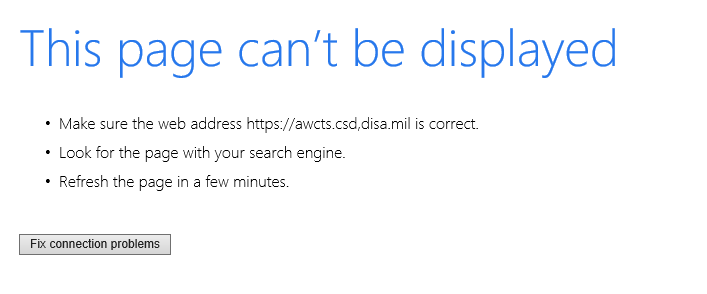
Before submitting a ticket, please check the following:
1. Verify that you have the correct web link for ARCS. See below for each modules URL and ensure that you are using the correct URL to access ARCS:
- SRU: https://awcts.csd.disa.mil/wtu
- RCD: https://awcts.csd.disa.mil/aw2
- OMB: https://awcts.csd.disa.mil/omb
- WSFH: https://awcts.csd.disa.mil/wsfh
2. Verify your CAC is working by logging in to ALMS (https://www.lms.army.mil) using your CAC and Certificate.
3. Check Browser settings to ensure "Compatibility Mode" is not turned on for "disa.mil"
If the above troubleshooting steps do not solve the issue, submit an Incident Ticket or call the Support Desk at 1-855-813-8867.
0 Comments